DOCXPDF
Form E
A complete draft in the court’s format with references to supporting documents. Edit it in Word or download the final version as a PDF.
Turn client documents into a draft Form E, Enclosures Bundle and ES2, with references to supporting documents and every total calculated. How is Courtive different?

Today every entry in Form E is typed in by the client or a fee-earner. Supporting documents are read page by page, and ES2 is filled in manually. Preparing the Enclosures falls to trainees and paralegals, and much of that time is repetitive and never billed.
Someone reads every bank statement, payslip and valuation to find the figures Form E refers to.
Totals, shares of joint assets and net values are worked out by hand, and one slip carries through the whole form.
Hours spent ordering, numbering and indexing the Enclosures, time that is often written off.
One matter, from your client’s first answers to an exchange-ready Form E, Enclosures and ES2. Learn more
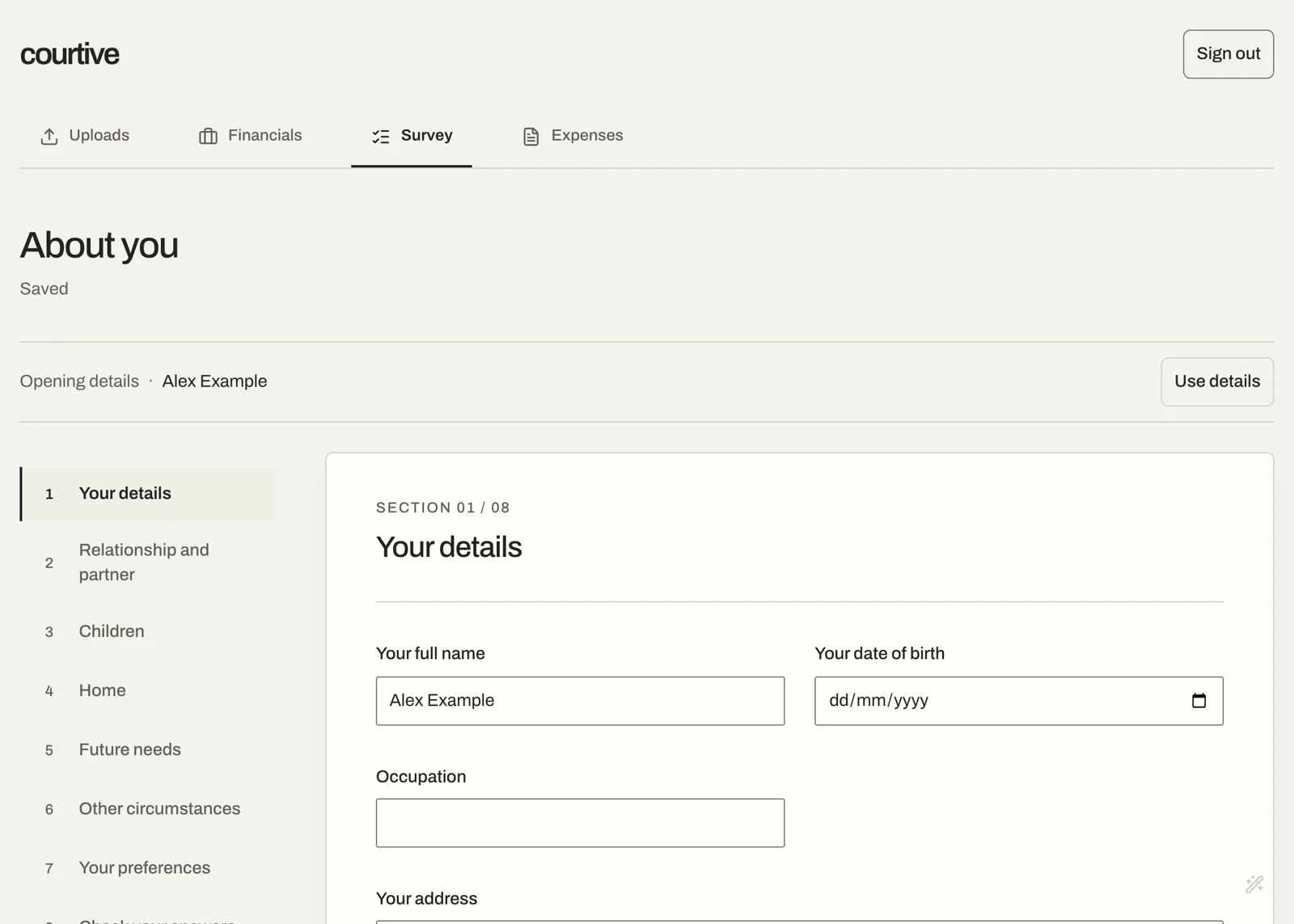
A plain-English questionnaire, a personalised document checklist and an online schedule of expenditure, on a phone or a laptop.
A complete draft in the court’s format with references to supporting documents. Edit it in Word or download the final version as a PDF.
A bookmarked Enclosures Bundle in PDF, numbered to match the form. Draft Index in Word can be downloaded separately.
In Excel, for your client alone or, once you upload the other party’s Form E, combined court-ready ES2 for both parties.
Built around what matters when preparing disclosure: your team’s time, the accuracy of every figure, and software that lawyers and clients find easy to use.
Lawyers start from a completed draft instead of a blank form. Trainees and paralegals are freed from repetitive and unbilled document management and bundling.
From a family home and a car to vesting schedules, trust interests or overseas assets, Courtive picks out the figures and puts each one in the right section of Form E.
Every firm has its own precedents, templates and naming conventions. Courtive learns yours, so the Forms E, Form E Enclosures and ES2s it generates fit your firm’s requirements.
Nothing to learn. Clients answer plain-English questions and upload their documents on any device, and lawyers generate the draft Form E, Form E Enclosures and ES2 with one click.

Courtive uses Claude, by Anthropic, to read client documents and cross-check the figures it extracts. Processing runs in the EU.
The same disclosure and the same professional judgment, without the manual assembly.
Courtive Financial Remedy at our early-customer price.
Sign by 31 March 2027 to pay £600 per user for your first year instead of £750.
Book a demoPrices exclude VAT and are billed annually in advance.
Financial disclosure is some of the most sensitive information a firm holds. Courtive secures the data in the EU and out of model training.
The application and stored documents are hosted on Google Cloud in the EU, encrypted in transit and at rest.
Claude reads documents through an EU-region endpoint. Client documents are not sent outside the EU.
Neither Courtive nor its AI provider uses client documents to train models.
Courtive uses Claude under a zero data retention arrangement. Client documents, and the results Claude produces from them, are not stored by the AI provider once each request has been processed.
Our sub-processors, security measures and data processing terms are set out in the Trust Centre.


Co-founder and CEO
An English-qualified solicitor, Philip trained at Withers, where he worked first-hand on complex financial remedy matters. He shapes Courtive Financial Remedy around how fee-earners actually prepare disclosure.

Co-founder and CTO
Ilia has a decade of experience building solutions at scale. He shapes the technology behind Courtive, connecting document analysis to the documents your team files.
Family financial remedy is where Courtive starts. We want to help legal teams spend less time assembling documents and more time on the work that calls for their judgment.
Help shape what we build nextThere is nothing to install. We set up your firm’s account and train your team on a fictional matter, and onboarding is included in the price.
Your fee-earners. Courtive drafts each entry with a reference to its supporting document, and your team reviews the draft before it is finalised.
Yes. Upload the other party’s Form E and Courtive reads it into a combined ES2 alongside your client’s figures, ready for you to check.
Yes. Fee-earners can export the original supporting documents, renamed to follow your firm’s naming convention, and possible to save them directly to iManage in the future.
Yes. During onboarding we learn your firm’s precedents, templates and naming conventions, so the Forms E, Form E Enclosures and ES2s that Courtive generates are compatible with your firm’s requirements.
On Google Cloud in the EU, and Claude is accessed through an EU-region endpoint under zero data retention. Client documents are not sent outside the EU and are never used to train models.
No. You invite clients to their matter at no extra cost, and they only see the questions and documents you share with them.
We will take your team from client questionnaire to exported Form E, Enclosures and ES2 on a fictional case, and answer your questions about rollout and security.
Book a time